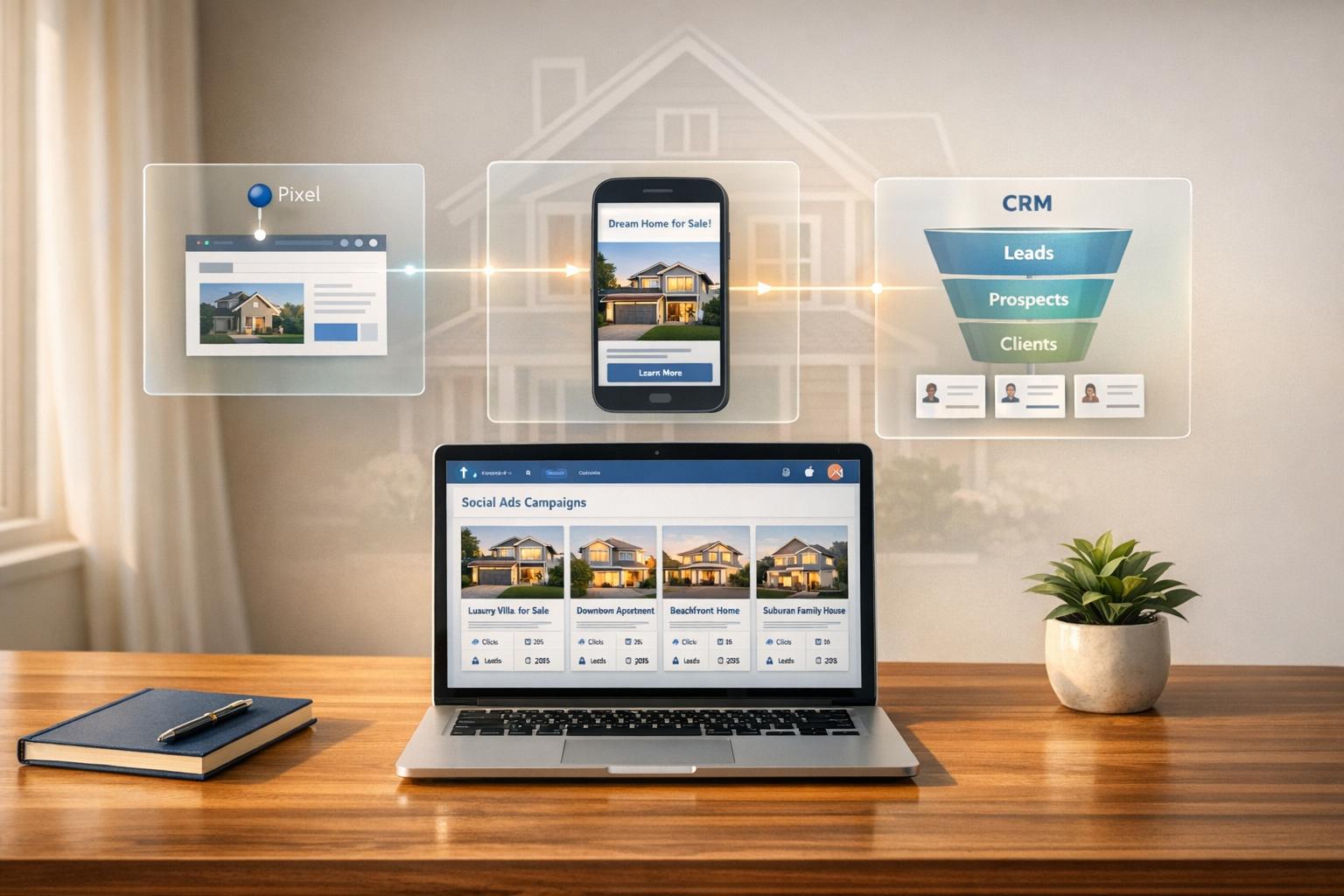
Facebook Ads Manager is a powerful tool for real estate professionals to generate leads, promote property listings, and track ad performance. With features like the "Housing" Special Ad Category, AI-powered optimizations, and integration capabilities, it simplifies marketing while ensuring compliance with regulations. Here’s what you need to know:
- Why It Works for Real Estate:
- 70% of Americans spend 35 minutes daily on Facebook.
- Real estate ads see an average conversion rate of 11% and Click-Through Rates (CTR) of 1%-3%.
- Video ads can drive 400% more inquiries compared to text-only ads.
- Cost Per Lead (CPL) ranges from $5 to $30, making it cost-effective.
- Key Features:
- Housing Special Ad Category: Ensures compliance by limiting targeting options like ZIP code, age, and gender.
- Advantage+ Features: Automatically optimizes campaigns for better results.
- Meta Pixel: Tracks user activity (e.g., property views) for retargeting and better audience targeting.
- Integration Benefits:
- Platforms like CoreCast automate lead management, syncing Facebook leads directly into your CRM.
- Real-time metrics help align ad spend with property performance. This ensures you only invest in high-potential listings identified through a real estate deal analysis tool.
- Reduces manual data entry by connecting ad results with property management systems.
- How to Get Started:
- Create a Facebook Business Account.
- Set up campaigns under the "Housing" category.
- Use formats like Carousel Ads, Video Ads, or Instant Forms for lead capture.
- Install the Meta Pixel for tracking and retargeting.
- Advanced Strategies:
- Use Advantage+ Catalog Ads for dynamic property promotions.
- Retarget leads who viewed properties but didn’t take action.
- Leverage formats like Collection Ads for immersive property tours.
- Tracking and Optimization:
- Monitor metrics like reach, engagement, and conversions in Ads Manager.
- Use Meta Pixel data to refine campaigns and improve ROI.
- Test creative formats and adjust budgets based on performance. Use a real estate market trend finder tool to identify which regions warrant higher ad spend.
Facebook Ads Manager, combined with tools like CoreCast, makes it easier to manage leads, track campaign success, and promote properties effectively.

Facebook Ads for Real Estate: Key Statistics and Performance Metrics
Setting Up Facebook Ads Manager for Real Estate

Creating Your Facebook Business Account
Start by visiting business.facebook.com to set up your Meta Business Portfolio. This setup requires linking a professional Facebook Page and ad account. Choose your business name, time zone, and currency (USD) – keep in mind that these settings can’t be changed after creation.
Once your account is ready, assign asset permissions under "Users > People" to ensure you have full control over your Page, Ad Account, and Pixel. Next, verify your website domain in the "Brand safety and suitability" section. Enter only the root domain (e.g., use quickrealty.com instead of www.quickrealty.com). If you’re in real estate, make sure to select the "Housing" Special Ad Category for all campaigns. This is crucial for complying with Meta’s anti-discrimination policies, which limit targeting options like ZIP code, age, and gender [1].
With these steps completed, you’re ready to start building lead ad campaigns.
Creating Lead Ad Campaigns
Choose the "Leads" objective in Ads Manager to get started. At the campaign level, name your campaign and confirm that the Housing Special Ad Category is active – this is a must for real estate ads [1]. Enable Advantage+ for automatic optimizations powered by Meta’s system.
At the ad set level, decide where you want to collect conversions. The most common choice is "Instant Forms", which lets users submit their contact details without leaving Facebook. For targeting, you can either use Advantage+ audience to let Meta find the best leads for you or manually define your audience while staying within the restrictions of the Housing category. If you’re new to Facebook Ads, set a daily budget between $10 and $20 to test how your ads perform before scaling [6]. For placements, select Advantage+ placements, which automatically distributes your ads across Facebook, Instagram, and the Audience Network for optimal performance.
Customizing Ads for Real Estate
With your campaign and ad sets ready, it’s time to design ads that highlight your properties. Facebook offers several formats, including Single Image, Video, and Carousel. Carousels are particularly effective for showcasing multiple property features or listings in one ad. To capture leads, create a custom lead form that collects key details like name, email, and phone number. Include property-specific information, such as the number of bedrooms, bathrooms, price, and high-quality visuals. For images, stick to recommended dimensions – 1200 x 628 px for single images or 1024 x 1024 px for carousels [7].
If you manage a larger inventory, consider setting up a Home Listing Catalog. Use the vertical labeled home_listings to include details like property ID, name, availability, and price [7]. This allows you to leverage dynamic template tags – such as {{home_listing.price}}, {{home_listing.num_beds}}, and {{home_listing.num_baths}} – to automatically pull property data into your ads [2]. Meta’s generative AI tools can further enhance your ads by expanding images, generating backgrounds, and creating multiple headline variations. To make a strong impression, use high-quality, authentic photos.
When combined with platforms like CoreCast, these customized ads simplify lead capture and provide valuable insights into your property listings using the best real estate analytics tools.
Integrating Facebook Ads Manager with Real Estate Platforms
Using CoreCast for Integration

CoreCast is an all-in-one real estate intelligence tool designed to streamline lead management and pipeline tracking. By connecting Facebook Ads Manager, you can automate the flow of leads from Facebook Instant Forms directly into your pipeline. This means every lead is instantly visible, from the first point of contact to the final closing, alongside other acquisition channels – no manual data entry required.
The platform supports a wide range of property types, including Multifamily, Office, Retail, Industrial, and Single-Family assets [8]. It also syncs with leading property management software like AppFolio, Yardi, RealPage, and Buildium, allowing you to automatically import historical data and rent rolls [5]. This integration lets you monitor Facebook leads while simultaneously analyzing property performance and competitive data on a unified map.
As James Gueits, Principal at MHP Operator, shared: "Our family office needed a solution to manage legacy real estate assets. They have been instrumental to streamline our valuation and underwriting processes" [8].
CoreCast is currently in beta, with no credit card required for sign-up, and the first version is set to launch in Q1 2026 [8][5]. The platform also includes live stakeholder portals, enabling real-time updates for investors. These portals eliminate the need for manual updates by providing partners with instant access to performance metrics and property updates [5]. This level of automation ensures smoother operations and precise field mapping.
Mapping Lead Fields
To avoid losing valuable data, map fields from Facebook Instant Forms directly to your CRM. For example, align fields like Full Name, Email, Street Address, and Zip Code from your Facebook forms with their corresponding fields in your real estate platform [9]. If your form collects "Street Address", ensure it matches a field like "Property Address" in your system to prevent errors.
For lead magnets such as "What’s my home worth?" or neighborhood reports, always include Street Address and Zip Code in your forms. These details are critical for generating property valuations and location-specific reports automatically [9]. When establishing the connection, you can use tools like CRM Partner integrations, Webhooks, or the Meta Graph API [12]. If you’re using an API, make sure data types align with your platform’s specifications – for instance, home_listing_id as a string, latitude as a float, and price formatted with ISO currency codes like "500000 USD" [7].
Before launching your campaign, test the field mapping with Facebook’s debugging tools to ensure all lead data flows correctly into your CRM [7][12]. Also, remember that every Facebook Lead Form must include a Privacy Policy link before transferring data to third-party platforms [9]. With an average conversion rate of 10.68% and a cost per lead of $16.61 for real estate ads in the US [11][10], proper field mapping ensures you get the most out of every lead. Once your lead data is mapped correctly, the next step is setting up tracking with the Facebook Pixel.
Installing Facebook Pixel
The Facebook Pixel is a powerful tracking tool that monitors user activity on your website, enabling retargeting and performance measurement beyond the initial click. You can install it through Meta Business Suite or the Conversions API to track actions like property views, form submissions, and site navigation [13]. This data helps you build custom audiences and refine your marketing strategy.
Retargeting is especially effective in real estate since the decision-making process often takes time.
As Placester explains: "Facebook’s retargeting tools let you follow up with people who visited your website, viewed a listing, or interacted with your ad. You stay top of mind until they’re ready to take action" [13].
The Pixel also supports dynamic ads, which automatically display properties users have previously viewed on your site [13]. On average, real estate Facebook ads achieve a 3.71% click-through rate and a $1.88 cost per click [13].
When running campaigns with the Pixel installed, use the "Conversions" objective to target users most likely to take specific actions, like scheduling a showing or requesting more information [14]. For example, in June 2025, McGen Digital implemented server-side tracking for their real estate clients and saw a 22% drop in conversion costs within two weeks by recovering lead data blocked by browser privacy settings [10]. Use Pixel insights to identify high-performing listings and allocate your marketing budget more effectively, ensuring maximum ROI.
Advanced Advertising Strategies for Real Estate
Dynamic Ads for Property Listings
Advantage+ Catalog Ads (previously known as dynamic ads) are a powerful way to automatically promote properties from your inventory. By using cross-device signals, these ads match your property listings with users who have already shown interest. This strategy works hand-in-hand with CoreCast integration for streamlined lead management.
To get started, set up a Home Listing Catalog in Commerce Manager. Include details like the listing ID, price, address, and the number of bedrooms and bathrooms. Make sure to set the vertical to home_listings and choose the PRODUCT_CATALOG_SALES objective when creating your campaign.
Template tags like {{home_listing.name}} and {{home_listing.price}} allow you to auto-fill ad content. You can showcase listings as single images, carousels of multiple properties, or carousels with various views of a single home. Don’t forget to categorize your ads under the HOUSING Special Ad Category.
Tracking user behavior is essential. Use Meta Pixel events such as:
- Search: When users browse listings.
- ViewContent: When they view a property page.
- InitiateCheckout: When they save a listing.
- Purchase: When they contact an agent.
To keep your ads up-to-date, enable automated feed updates in Commerce Manager. You can also use Listing Sets to filter properties by type or availability. For mobile users, stick to vertical or square images with a minimum resolution of 600×600 pixels for the best display quality.
As Neal Schaffer explains:
"Advantage+ catalog ads automatically create personalized ads based on user behavior. Think of it as retargeting on autopilot" [4].
From here, you can expand your strategy by incorporating retargeting to re-engage potential leads.
Retargeting Real Estate Leads
Retargeting is all about keeping your properties top-of-mind for users who have shown interest but haven’t yet taken action. Build Custom Audiences based on user behaviors, like those who viewed a property in the last 14 days but didn’t contact an agent. With Advantage+ Catalog Ads, you can automatically show these users the exact listings they previously browsed.
To make your messaging more effective:
- Use lifestyle-focused content to build awareness.
- Provide property comparisons for users in the consideration phase.
- Add direct calls-to-action (e.g., "Schedule a showing") for those ready to make a decision.
Monitor your ad frequency carefully. If impressions go above 3–4 without conversions, refresh your creative to prevent audience fatigue. Including social proof, such as "Just Sold" ads or client testimonials, can also boost credibility and engagement.
Set retention windows between 14 and 30 days to target users while their interest is still fresh. Real estate campaigns generally see click-through rates between 1% and 3%, with lead costs ranging from $5 to $30. Luxury markets, however, may see costs exceeding $50 [4].
To deepen engagement, consider using formats like Collection Ads and Instant Experiences.
Collection Ads and Instant Experiences
Collection Ads combine a primary video or image with a grid of smaller images or related listings. When users tap on the ad, it opens an Instant Experience – a fully immersive, mobile-optimized property tour. These formats pull details directly from your catalog, automatically including key information like price, bedrooms, and location through template tags.
For maximum impact, use professional visuals. Drone footage or walkthrough videos work well as the primary element to grab attention and build trust. Stick to square (1:1) or vertical images for mobile, and ensure your images are at least 1024×1024 pixels for clarity.
To streamline lead follow-up, connect Instant Experience lead forms directly to your CRM. Use clear, action-oriented calls-to-action such as "Unlock exclusive listings" or "Schedule a private tour" to guide users toward conversion. When paired with CoreCast data, these formats allow you to align ad performance with property insights seamlessly.
These immersive formats not only captivate your audience but also ensure that leads reaching your contact forms are well-informed and ready to take the next step.
sbb-itb-99d029f
Monitoring and Optimizing Ad Performance
Analyzing Key Metrics
The Account Overview in Ads Manager is your go-to tool for tracking campaign performance. Keep an eye on reach and total amount spent to see how many potential buyers are viewing your property listings and how effectively your budget is being used [15]. For video property tours, focus on ThruPlays to measure completed walkthrough views. If you’re running brand awareness campaigns, metrics like Page likes and post engagement are key indicators of success [15][2].
Tracking offsite conversions is especially important in real estate. By using the Meta Pixel, you can monitor when users complete actions on your website, such as filling out a contact form or scheduling a showing, after interacting with your ad [2][17]. Pay attention to the learning phase percentage, which shows how much of your budget is spent while the algorithm gathers data. If this percentage remains high for over seven days, it’s a sign that adjustments are needed to stabilize your campaigns [15].
To focus on what matters most for your listings, customize your reporting columns. The Breakdowns feature lets you analyze performance across age groups, devices, and locations. For instance, you might discover that luxury condos resonate more with mobile users aged 35-44 in urban areas [15]. Additionally, the Opportunity score provides real-time suggestions to optimize active campaigns, helping you refine your strategy as needed [15][17].
| Metric Category | Key Metrics | Purpose for Real Estate |
|---|---|---|
| Awareness | Reach, Impressions, Page Likes | Gauging how many potential buyers see your listings |
| Engagement | ThruPlays, Post Engagement | Measuring interest in video tours or posts |
| Conversion | Offsite Conversions, Lead Events | Tracking inquiries or registrations on your site |
| Optimization | Learning Phase %, Opportunity Score | Ensuring efficient ad delivery and data collection |
If you encounter performance issues, check the troubleshooting steps below.
Troubleshooting Integration Issues
The Account Overview also highlights urgent alerts that might disrupt your campaigns, such as ad rejections, expired payment methods, or account spending limits [15]. For real estate ads, ensure they’re categorized under the HOUSING special ad category. Misclassification can restrict targeting and ad delivery [1].
Feed format errors are another common problem. Your listing feed should use XML with English field names [7], and images must be in JPG, GIF, or PNG format with a minimum resolution of 500 x 500 pixels [7].
To fix feed issues, rely on Advantage+ Debugging Tools. Confirm that all required fields – such as home_listing_id, name, availability, address, latitude, longitude, price, image, and url – are included in your listings [7]. If you notice corrupted text in ads, check that your feed uses UTF8, UTF16, or UTF32 encoding [7]. Additionally, watch for audience overlap warnings. When multiple ad sets target the same users, they compete in the same auction, which can drive up costs unnecessarily [15].
Once these issues are resolved, focus on improving your campaigns by testing creative variations.
Testing and Improving Campaigns
Use Meta Pixel events to track high-value actions like Search, ViewContent, InitiateCheckout, and Purchase. These events help identify users with strong intent, allowing you to retarget them effectively if they haven’t converted yet [3].
Experiment with different creative formats using Advantage+ catalog ads. For example, compare single-property images with carousel ads showcasing multiple listings or various angles of a single home [2]. You can also automate ad copy personalization based on each property’s details. The Breakdowns tool can help you identify which placements – like Instagram or Facebook Audience Network – are delivering the best results, so you can allocate your budget accordingly [15].
To streamline your workflow, set up weekly automated email reports for performance updates [15][16]. Build custom audiences based on behaviors, such as users who viewed a property within the past 14 days, to refine your retargeting efforts and boost ROI [3]. By integrating CoreCast insights, you can align ad performance data with real-time property trends, ensuring your advertising strategy stays in sync with market demands and portfolio goals.
Conclusion
Benefits of Facebook Ads Manager Integration
Integrating Facebook Ads Manager simplifies how real estate professionals manage leads and track ad performance. With 253 million U.S. users on Facebook and 92% of real estate agents already leveraging the platform, you’re tapping into an audience that’s already engaged and active [10]. Tools like Advantage+ catalog ads take it a step further by automatically displaying listings tailored to user behavior and interests [2][7].
The Conversions API, which uses server-side tracking, has proven to significantly reduce conversion costs, as highlighted in recent case studies [10]. When paired with CoreCast’s robust portfolio insights and pipeline tracking, you can connect ad performance directly to market trends and investment goals – all from a single platform. This integration empowers you to execute campaigns with precision and efficiency.
Tips for Success with Real Estate Ads
To make the most of these integrations, focus on a strong campaign setup and responsive lead management. Start by selecting the "HOUSING" ad category for compliance and installing the Facebook Pixel to track property-related data [1][7]. This allows Facebook to recommend listings based on real-time availability.
Rather than chasing a high volume of leads, aim for quality. Aaron Franklin, Head of Growth at Ylopo, explains:
"The common misconception that Facebook leads are ‘bad’ usually comes down to poor targeting and generic content" [19].
Experiment with different creative formats to optimize your campaigns. Features like 360° property tours and Instant Experiences let users explore listings without leaving the app, making ads more engaging [10][18]. Zero in on niche audiences – such as veterans for VA-eligible homes or golf enthusiasts for properties near courses – rather than relying solely on location-based targeting [19]. And remember, timing matters: responding to leads within hours can dramatically improve conversion rates [10].
Facebook Ads for Realtors 2025 – EASY TO FOLLOW [STEP-BY-STEP Tutorial]
FAQs
What is the ‘Housing’ Special Ad Category, and how does it impact targeting in Facebook Ads Manager?
If you’re running real estate-related ads in the United States, Facebook requires you to use the ‘Housing’ Special Ad Category. This step is crucial for ensuring compliance with fair housing laws and avoiding discriminatory practices in your advertising.
Once you select this category during your campaign setup, some targeting options – like age, gender, and ZIP code – become unavailable. Instead, you’ll need to rely on broader tools such as location, interests, and behaviors to effectively connect with your audience while staying within Facebook’s advertising guidelines.
What are the main advantages of using Facebook Ads Manager with real estate platforms?
Using Facebook Ads Manager alongside real estate platforms can significantly improve marketing strategies. One of its standout features is precise audience targeting, allowing real estate professionals to connect with potential buyers or sellers based on specific criteria like location, interests, income, or even zip codes. This level of targeting ensures that ads are highly relevant, maximizing the return on investment.
Another key advantage is the platform’s tools for streamlined campaign management. With Facebook Ads Manager, users can easily create, track, and refine their ads across platforms like Facebook and Instagram. Features such as A/B testing and detailed analytics make it easier to understand what works and adjust strategies. Plus, engaging formats like video tours and carousel ads are perfect for showcasing properties and grabbing attention.
By tapping into Facebook’s extensive reach and budget-friendly advertising options, real estate professionals can increase brand awareness, generate leads, and engage with clients more effectively. This ultimately leads to more property viewings and successful conversions in a competitive industry.
What are the best strategies to optimize Facebook ads for generating real estate leads?
To get the most out of your Facebook ads for real estate leads, focus on creating campaigns that target the right audience with precision. Start by defining clear goals for each campaign, whether that’s driving website traffic or gathering leads. Then, narrow down your audience using factors like location, demographics, and interests to ensure your ads reach the right people.
Incorporate eye-catching visuals – think videos or carousel ads – to showcase properties and grab attention. Facebook’s lead ad formats are especially useful because they let potential clients submit their information directly on the platform, making the process seamless. Tools like Advantage+ catalog ads can also help by automatically showing users listings that match their preferences, boosting engagement and lead quality.
Keep your audience data up to date and refine your targeting regularly. Retargeting is another powerful strategy – use it to reconnect with users who’ve already interacted with your ads. Finally, experiment with different creatives and messaging to see what clicks with your audience. Over time, these tweaks can lead to better conversions and more qualified leads.